
Blog
Mastering UX Design Skills in 2026: Avoiding Production-Ready Pitfalls

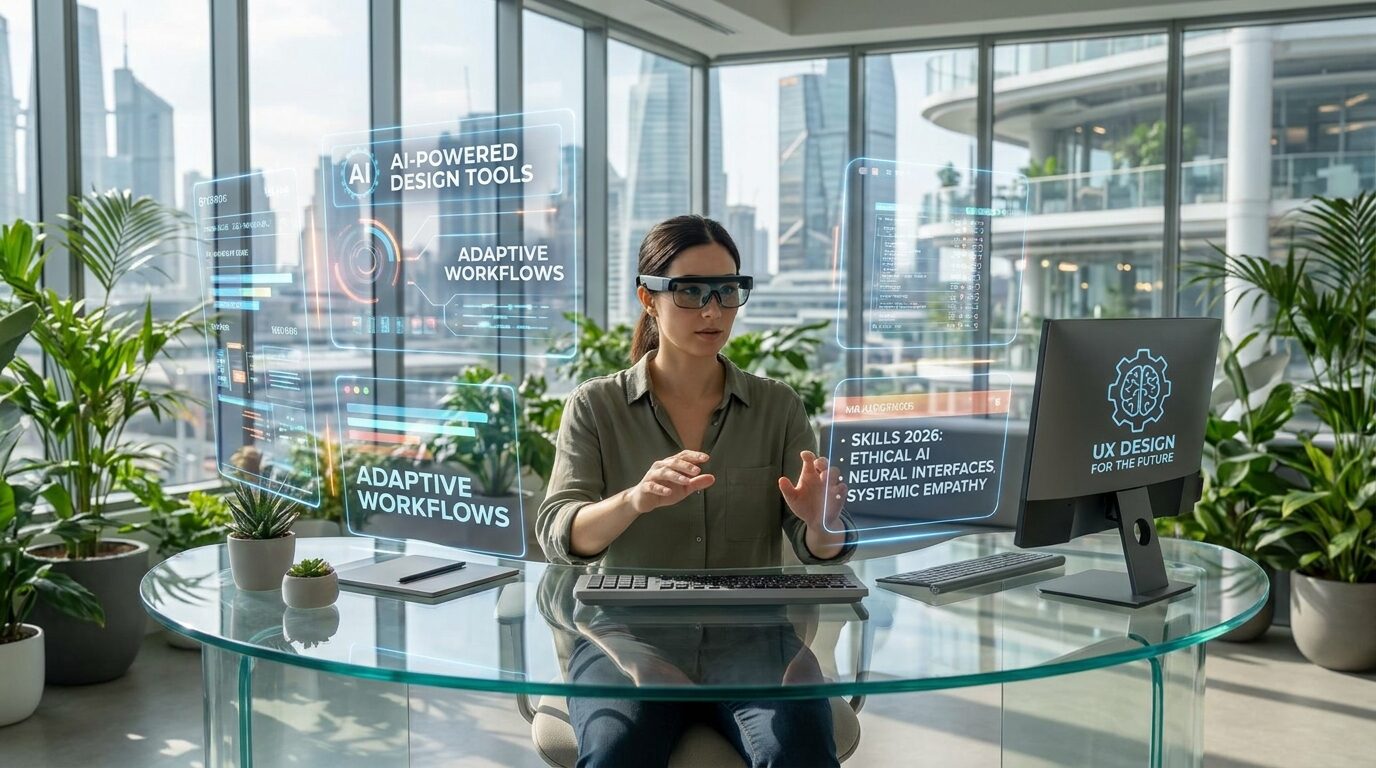
Mastering UX Design Skills in 2026: Avoiding Production-Ready Pitfalls
UX design has never been more important than it is today. As competition online intensifies and user expectations rise, the difference between a product that succeeds and one that fails often comes down to design quality. But mastering UX in 2026 means navigating a landscape that is changing faster than ever, with AI tools, new frameworks, and shifting user behaviors creating both opportunities and traps for designers at every level.
This guide covers the UX skills that matter most in 2026, the pitfalls that hold designers back from producing genuinely production-ready work, and the mindset shifts that separate great designers from average ones.
What Production-Ready UX Actually Means
Many designers can create beautiful mockups. Far fewer can create designs that survive contact with real users, real developers, and real business constraints. Production-ready UX design is not about pixel-perfect visuals. It is about designing systems that work under real conditions: incomplete data, unexpected user behavior, edge cases, accessibility requirements, and technical limitations.
A production-ready designer thinks beyond the happy path. They consider what happens when a form field receives invalid input, when a list has zero items, when a user is on a slow connection, or when a screen reader encounters their interface. These considerations are not afterthoughts. They are built into the design process from the start.
Core UX Skills Every Designer Needs in 2026
1. User Research That Goes Beyond Surveys
Too many designers rely on surface-level research. Surveys tell you what users say they want. Observation tells you what they actually do. In 2026, the most effective UX designers combine qualitative methods like contextual interviews and usability testing with quantitative signals from analytics, heatmaps, and session recordings.
The goal of research is not to confirm your existing assumptions. It is to discover the gaps between what users expect and what your product delivers. The best research is done continuously, not just at the start of a project.
2. Systems Thinking and Design Systems
Modern products are built on design systems, and designers who cannot think in systems are at a significant disadvantage. A design system is not just a component library. It is a shared language between designers and developers that enables consistent, scalable product development.
Understanding how to contribute to and use design systems effectively, how to decide when a new component is needed versus when an existing one should be adapted, and how to maintain consistency across a large product are skills that distinguish senior UX designers from junior ones.
3. Interaction Design and Micro-interactions
The difference between a product that feels polished and one that feels rough often lies in micro-interactions: the small animations, transitions, and feedback moments that communicate system state to the user. A button that responds to a click, a form field that validates in real time, a loading indicator that tells the user something is happening, all of these contribute to a sense of quality and responsiveness that users notice even when they cannot articulate why.
4. Accessibility as a First-Class Requirement
Accessibility is no longer optional. Legal requirements in many countries mandate that digital products meet accessibility standards, and beyond compliance, accessible design is simply better design. Products designed with accessibility in mind are clearer, more usable, and more robust for everyone.
In 2026, UX designers need a working knowledge of WCAG guidelines, semantic HTML, ARIA roles, keyboard navigation, and color contrast requirements. More importantly, they need to understand how to test their designs with assistive technologies and real users who rely on them.
5. Collaboration with Developers
The most common source of UX degradation is the gap between design and implementation. Designs that look perfect in Figma often lose their quality during development, not because developers are careless, but because the design did not account for technical constraints or did not communicate intent clearly enough.
Great UX designers bridge this gap by learning enough about the technologies their products are built on to have informed conversations with developers. They annotate their designs with behavior specifications, edge cases, and interaction details. They participate in code reviews to verify that the implemented product matches the intended experience.
Common Pitfalls That Prevent Production-Ready Work
Designing for Best-Case Scenarios Only
The most dangerous habit in UX design is designing only the happy path: the flow where everything goes right, the user has the right information, and the system performs perfectly. Real users do not follow the happy path. They make mistakes, change their minds, have incomplete information, and encounter errors.
Before any design is considered complete, a designer should ask: what happens if the user submits empty fields? What does the error state look like? What if the API call fails? What if there is no data to display? Every one of these states needs a designed solution, not a developer workaround.
Skipping Usability Testing
Designers are the worst judges of their own work. We know too much about how the product is supposed to work, which makes it impossible to experience it the way a first-time user does. Usability testing, even informal and lightweight, consistently reveals problems that no amount of internal review would catch.
In 2026, there is no excuse for shipping without at least basic usability testing. Remote testing tools make it faster and cheaper than ever to get real feedback from real users before launch.
Ignoring Performance Constraints
A design that requires loading dozens of high-resolution images on every page scroll, or that depends on animations that cannot run at 60fps on mid-range devices, is not production-ready regardless of how good it looks in prototype. UX designers need to understand the performance implications of their design decisions and work within realistic constraints.
The UX Designer Role in 2026 and Beyond
The UX design field is evolving rapidly. AI tools are automating parts of the design process, from generating initial wireframes to conducting automated usability tests. This is shifting the value of human designers toward judgment, strategy, and the kind of nuanced understanding of human needs that AI cannot replicate.
Designers who will thrive in this environment are those who use AI tools to accelerate their work while focusing their human expertise on the decisions that matter: understanding users deeply, making strategic trade-offs, and advocating for quality in every stage of the product development process.
At Web Creative Clicks, our UI/UX team builds interfaces that are not just visually strong but genuinely user-centered and production-ready. If you want a digital product that works as well as it looks, contact us to discuss your project.
🧩 Advanced UX Execution Layer: From “Good Design” to “Production Reality”
Even when designers master the core skills outlined above, there is still a final gap that separates strong UX from production-ready UX: the ability to translate design intent into systems that survive real-world implementation pressure without degradation.
This is where many UX projects quietly fail—not at the design stage, but in the transition from design → engineering → live product.
⚙️ The Design-to-Production Translation Gap
One of the biggest hidden challenges in 2026 UX workflows is that design tools and production systems still operate under different logic.
- Designers think in flows, hierarchy, and experience continuity
- Engineers think in states, logic, performance, and constraints
- AI tools sit somewhere in between, but don’t fully resolve the mismatch
This creates a “translation gap” where important UX decisions are often lost or simplified during implementation.
Common symptoms include:
- Animations removed or simplified due to performance concerns
- Layout shifts caused by responsive edge cases
- Missing or inconsistent empty/error states
- Interaction timing differences that change perceived UX quality
- Accessibility regressions introduced during development
Production-ready UX design is fundamentally about closing this gap before it appears in code.
🧠 Designing for States, Not Screens
A key mindset shift in 2026 UX maturity is moving from designing screens to designing systems of states.
A production-ready UX flow must define:
- Loading states
- Empty states
- Error states
- Partial data states
- Permission-restricted states
- Offline or degraded states
Most junior designs stop at the “ideal screen.” Senior UX thinking ensures that every screen exists as part of a state ecosystem, not a static visual.
This is especially important in AI-driven prototyping environments where “happy path” UI is generated instantly, but edge-case logic is often missing.
🔄 UX Debt: The Invisible Technical Debt of Design
Just like engineering has technical debt, UX has its own form of accumulated friction: UX debt.
UX debt appears when:
- Inconsistent patterns accumulate across features
- Quick design decisions are never normalized into systems
- AI-generated UI variations are shipped without consolidation
- Edge cases are patched instead of designed properly
Over time, UX debt results in:
- Confusing user journeys
- Increased support requests
- Lower conversion rates despite “good-looking UI”
- Difficulty scaling product features consistently
A production-ready UX designer actively prevents UX debt by thinking in system integrity over isolated screens.
🧪 Validation as a Continuous Design Function
In modern UX practice, validation is no longer a final step before launch—it is a continuous loop embedded into the design process.
High-performing teams validate at three levels:
1. Concept validation
Does the idea solve the right user problem?
2. Interaction validation
Can users complete the task efficiently and without confusion?
3. Implementation validation
Does the built product match the intended experience?
AI tools can accelerate prototypes, but they cannot replace validation—they can only make it faster to reach something testable.
The danger is skipping validation because “it looks finished.”
🧱 The Role of Constraints in Great UX
One of the most misunderstood aspects of UX mastery is that constraints are not limitations—they are design inputs.
Production-ready UX requires designing within:
- Backend limitations (data structure, API latency)
- Device constraints (mobile performance, screen sizes)
- Business constraints (conversion goals, legal requirements)
- Engineering constraints (framework limitations, scalability)
Great UX designers do not ignore constraints—they design through them.
This is also where UX designers and engineers align most effectively: constraints become shared language rather than points of conflict.
🤖 AI Prototyping: The Hidden UX Risk
While AI tools accelerate UX creation, they introduce a subtle but serious risk: illusion of completeness.
AI-generated interfaces often:
- Look fully designed but lack behavioral depth
- Miss nuanced interaction logic
- Default to generic UX patterns
- Underestimate edge-case complexity
This creates a false sense that a product is “ready” earlier than it actually is.
Production-ready UX designers counter this by asking:
- What behavior is missing here that users will expect?
- What assumptions did the AI make that are not valid for this product?
- What would break if this system scales to real usage?
🧭 UX Maturity Model in 2026
To understand where designers stand today, UX maturity can be viewed in four stages:
Stage 1: Visual Designer
Focuses on aesthetics and layout
Stage 2: Interaction Designer
Focuses on flows and usability
Stage 3: Systems Designer
Focuses on consistency, design systems, and scalability
Stage 4: Production UX Architect
Focuses on real-world behavior, constraints, validation, and cross-functional alignment
Production-ready UX lives at Stage 4.
🚀 Final Shift: UX Is No Longer a Phase
The biggest transformation in 2026 UX practice is this:
UX is no longer a stage in product development—it is a continuous system-level responsibility.
Design does not end when the mockup is finished.
It does not end when the prototype is approved.
It does not even end when code is shipped.
It continues as long as users interact with the product.
🏁 Closing Insight
Mastering UX in 2026 is not about producing more polished screens or faster prototypes. It is about building designs that survive reality:
- Reality of engineering constraints
- Reality of user behavior variability
- Reality of system complexity
- Reality of scale
The designers who succeed in this environment are not the ones who create the most visually impressive interfaces, but the ones who create the most resilient user experiences.
And that is what truly defines production-ready UX.